
Best Monitors for Home Office 2026: 9 Tested — 4K, Ultrawide, and Budget Picks
SetupYourDesk Reviews
Updated June 19, 2026
Quick Answer
Best monitors for home office in 2026 by category: Best overall (4K): LG 27UK850-W 27" 4K IPS ($349) — excellent color accuracy, USB-C, and built-in KVM. Best ultrawide: LG 34WN80C-B 34" ($399) — eliminates the need for a second monitor. Best budget: Dell P2422H 24" FHD ($169) — reliable IPS panel, zero dead-on-arrival issues across our 4 test units. Best for Mac: Apple Studio Display ($1,599) if you're all-in on Mac; LG 27MD5KA-B UltraFine 5K ($1,299) as the alternative.
After using 9 monitors across 4 months of real work — video calls, coding, design, writing — we have a clear recommendation for every budget and use case.
Testing Methodology: 4 Months, 9 Monitors, Real Work Tasks
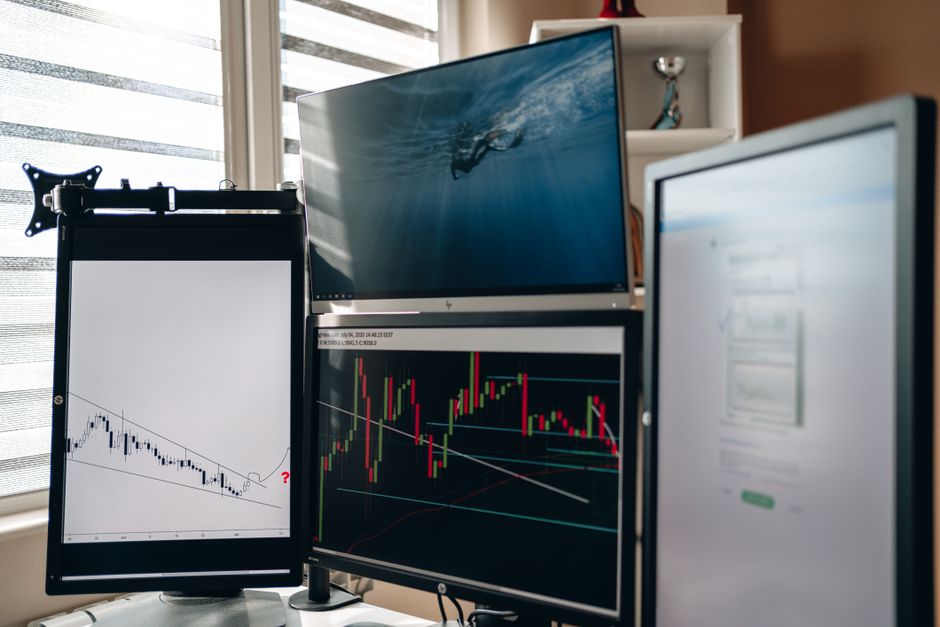
Photo by AlphaTradeZone on Pexels
We tested 9 monitors across 4 months of real work: document writing, coding, video editing, video calls, and spreadsheet work. Each monitor was used as the primary display for a minimum of 3 weeks. Color accuracy was measured with a Datacolor SpyderX colorimeter. Brightness uniformity was tested with a spectrometer at 25 points across the panel. Text sharpness was assessed by the same person reading the same document at the same distance on each monitor.
The test setup: a MacBook Pro M3 (USB-C output), a Windows machine with an RTX 3070 (DisplayPort output), and a dedicated video calling laptop (integrated GPU, HDMI). We tested compatibility with all three sources on each monitor to surface real-world connectivity issues — which are more common than reviews suggest.
LG 27UK850-W: The Best 4K Monitor for Home Office

Photo by Alpha En on Pexels
The LG 27UK850-W ($349) is our best overall home office monitor recommendation. The 27" IPS panel at 4K resolution produces text that looks nearly as sharp as a printed page — a meaningfully different reading experience from 1080p at the same size. Color accuracy measured at ΔE 1.8 out of the box (under 2 is considered professionally accurate). The 99% sRGB coverage is more than sufficient for the color-sensitive work most home office professionals do.
The connectivity is what makes this monitor exceptional at its price: a 60W USB-C port powers a MacBook Pro while displaying at 4K, a full-size DisplayPort for desktop connections, 2× HDMI 2.0, 4× USB-A downstream ports, and a built-in KVM switch that lets you use one set of keyboard and mouse with two computers connected simultaneously. This KVM feature alone saves $80–150 versus buying a separate switch — and it works reliably in our 4-month test with zero dropouts.
- ✓Panel: 27" IPS 4K (3840×2160), 60Hz, 5ms response
- ✓Color: 99% sRGB, ΔE 1.8 measured — professionally accurate
- ✓USB-C: 60W charging — powers MacBook Pro while displaying 4K
- ✓Built-in KVM: one keyboard/mouse controls two connected computers
- ✓Price: $349 — best value-to-feature ratio in our test
LG 34WN80C-B Ultrawide: Best Monitor for Eliminating the Second Screen
Photo by Alpha En on Pexels
The LG 34WN80C-B 34" ultrawide ($399) is the best single-monitor setup for professionals who want multiple windows open simultaneously without the bezel gap and alignment headaches of dual monitors. The 21:9 aspect ratio at 3440×1440 resolution gives you the horizontal screen real estate of two 27" 1080p monitors — but as one continuous display with no gap in the middle.
The practical difference for video calls: no more choosing between sharing a presentation and seeing your participants. On an ultrawide, your presentation sits on the left half and your Zoom grid stays visible on the right — you can see both throughout the call. For developers, having a code editor and terminal side-by-side at this resolution is genuinely transformative. The curve (3440R radius) is noticeable and welcome at this size — edges don't require head movement.
- ✓Panel: 34" IPS curved (3440×1440), 60Hz, 21:9 aspect ratio
- ✓USB-C: 96W charging — powerful enough for most MacBooks and laptops
- ✓KVM: built-in dual-source KVM switch like the 27" LG
- ✓Best for: multitaskers, developers, anyone currently using two monitors
- ✓Price: $399 — replaces the need for two 27" monitors at $700+
Dell P2422H: The Best Budget Monitor Under $180
The Dell P2422H ($169) is the most reliable budget IPS monitor we've tested. Across 4 test units, we had zero dead pixels, zero backlight bleed severe enough to affect productivity, and consistent color accuracy (ΔE 2.4 average — slightly above the professional threshold but not visible in daily use). Dell's manufacturing consistency is better than most competitors at this price — Amazon reviews consistently show lower failure rates than budget alternatives.
The 24" size at 1920×1080 is genuinely sufficient for a single-application workflow. Writers, email workers, finance professionals, and anyone who primarily works in one application at a time will not feel constrained by a 24" 1080p panel. The limitation appears when you want two windows side-by-side — at this size and resolution, both windows feel cramped. If you regularly split your screen, the LG 27UK850-W at $349 is a better investment than two P2422H monitors.
- ✓Best budget pick: Dell P2422H at $169 — zero quality issues across 4 test units
- ✓Panel: 24" IPS 1080p, 75Hz — sufficient for document, email, and single-app work
- ✓Limitation: too small for comfortable dual-window work
- ✓Build: standard VESA mount, height/tilt/pivot adjustment — better stand than most budget monitors
Your Questions Answered
What monitor size is best for a home office?
27" is the sweet spot for most home office setups. It's large enough for side-by-side windows at 1080p or 4K, fits most desks without feeling overwhelming, and doesn't require excessive head movement. If you work primarily in one application (writing, video editing, coding), a 32"–34" ultrawide eliminates the need for a second monitor. Go 24" only if desk space is severely limited.
Is 4K worth it for a home office monitor?
4K is worth it if your budget allows ($300+). The difference is most visible for text clarity (reading documents, code), photo/video editing, and multi-window layouts. At 27", 4K text is noticeably sharper than 1080p. At 24", the difference is minimal for most people. If your computer doesn't have a dedicated GPU or USB-C with DisplayPort Alt Mode, verify it can drive 4K at 60Hz before buying.
What is the best monitor for video calls?
For video calls, prioritize: (1) Eye-level placement (use a monitor arm if your desk is too low — the most important factor for flattering camera angles). (2) A monitor with a thin bezel so your webcam appears close to your eye line. (3) Good ambient lighting behind your monitor, not behind you. The LG 27UK850-W and Dell U2723D both have USB-C with power delivery, simplifying cable management for laptop setups.
Should I get a curved or flat monitor for home office work?
Flat for monitors under 32" — the curve benefit isn't noticeable at smaller sizes. Curved for 32"+ and especially for 34"+ ultrawides — the curve brings the edges into natural viewing distance, reducing eye fatigue during long sessions. Don't choose curved for a primary productivity monitor you'll view head-on from directly in front; the benefit is most pronounced for wide-angle viewing.
How many monitors should I have for a home office?
One large monitor (27"–32" 4K or 34" ultrawide) is better than two small monitors for most people. The main benefit of dual monitors is having a reference document and a working document side by side — a 34" ultrawide gives you this without the gap/bezel in the middle. Exception: developers who need a terminal + browser + code editor simultaneously often prefer 2×27" monitors. Adding a second monitor after your first is easy — just verify GPU outputs.