Do You Need a VPN When Working From Home? A Practical Answer
Setup Your Desk Editorial
Updated October 31, 2026
Quick Answer
If your employer provides a VPN, use it whenever company policy requires. On your own secure home Wi-Fi, a personal VPN adds limited extra security for most work, but it is useful on public Wi-Fi in cafés, coworking spaces and hotels, and for privacy. Securing your router and devices matters more than any VPN.
Do remote workers need a VPN? When your company VPN is required, when a personal VPN helps, and when it is unnecessary for a home office.
Two very different kinds of VPN
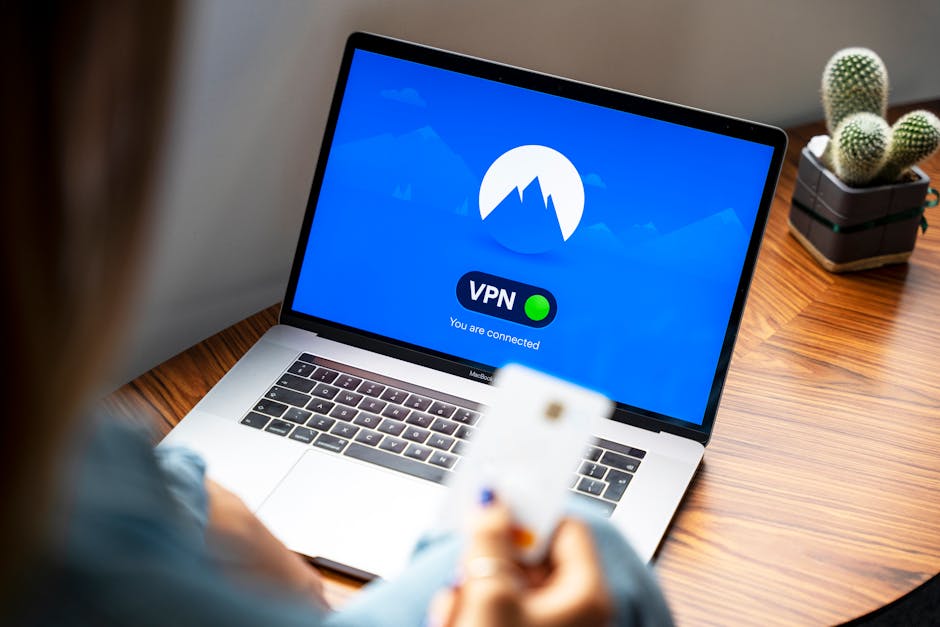
Photo by Stefan Coders on Pexels
People use 'VPN' for two different things. A company VPN connects you into your employer's network so you can reach internal systems. A personal or consumer VPN encrypts your traffic and routes it through a provider's server, mainly for privacy and public Wi-Fi protection.
They are not interchangeable. A personal VPN will not give you access to company systems, and a company VPN is not meant for your personal browsing.
When you must use the company VPN
If your employer gives you a VPN, follow their policy. It often protects access to internal tools, file servers and admin systems, and some services only work through it. Do not try to work around it with a personal VPN, as that can break access or break policy.
Do you need a personal VPN at home?
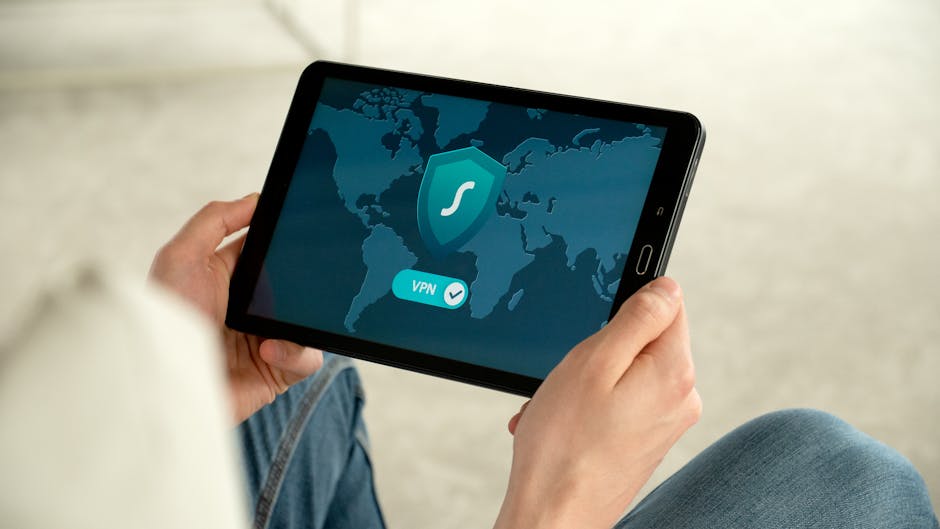
Photo by Dan Nelson on Pexels
On a home network you control, with a strong Wi-Fi password and an updated router, most of your work traffic is already encrypted by HTTPS. A personal VPN adds privacy from your internet provider but limited extra security for typical work.
Where a personal VPN really earns its place is outside the home office.
- ✓Working from cafés, coworking spaces, airports or hotels
- ✓Shared housing where you do not control the router
- ✓Travelling abroad and needing stable access to home services
- ✓Wanting more privacy from your internet provider
Secure the home office first
Before paying for a VPN, check the basics. They protect you far more than a VPN alone.
- ✓Change the router admin password and use WPA2 or WPA3 Wi-Fi
- ✓Update router firmware and turn on automatic updates if available
- ✓Put smart home gadgets on a guest network
- ✓Use a password manager and two-factor authentication
- ✓Keep your OS and browser updated
Choosing a personal VPN
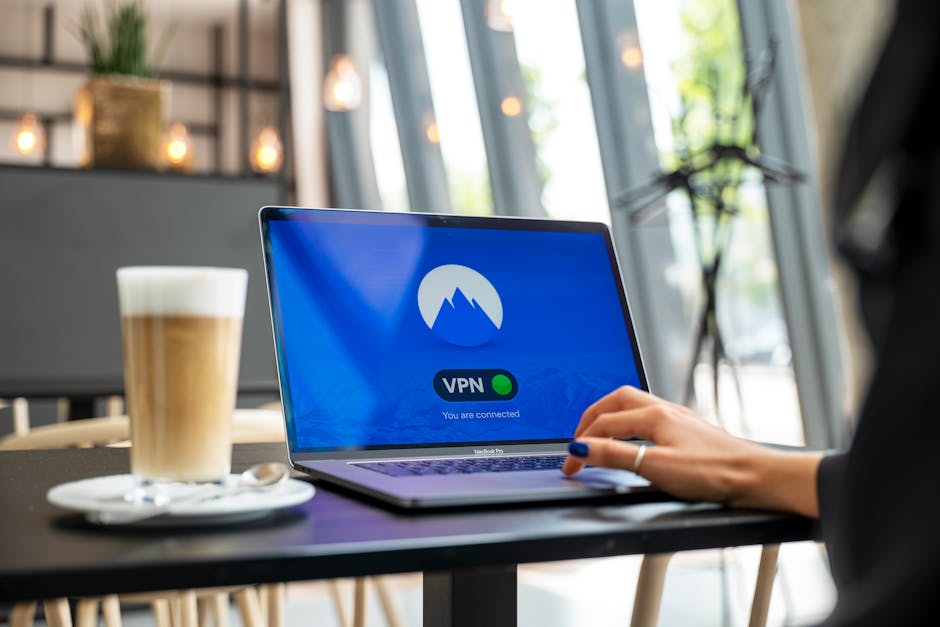
Photo by Stefan Coders on Pexels
Look for an audited no-logs policy, a kill switch, apps for all your devices and a straightforward refund period. Prices vary with plan length and promotions, so compare current offers on the providers' own sites. For small teams that need shared, managed access, business VPN and zero-trust services are a better fit than consumer plans.
Your Questions Answered
Does a VPN slow down video calls?
It can add a little latency. Choose a nearby server, and if calls struggle, test with the VPN off on a trusted home network.
Can I use my personal VPN with my work laptop?
Check your employer's policy first. Many companies forbid extra VPN software on managed devices.
Is a free VPN good enough?
Free VPNs often limit speed or data, and some have questionable privacy practices. Reputable providers with a free tier are the safer option.
Advertisement
Sponsored: today's featured offer →Advertisement