Home Office Lighting 2026: Why It Matters More Than Your Monitor (Complete Guide)
SetupYourDesk Reviews
Updated June 8, 2026
Quick Answer
The ideal home office lighting setup costs $80–150: (1) Primary light — position near a window or add a daylight LED bulb (5000K–6500K) in a lamp facing you. (2) Bias lighting — LED strip behind your monitor ($15–30) reduces eye strain by 50%+ in a dark room. (3) Key light for video calls — a ring light ($30–60) or panel light placed at eye level, 2–3 feet in front of you. That's it. No expensive smart lighting needed for most home offices.
Bad lighting causes eye strain, video call embarrassment, and fatigue by 3pm. Here's how to fix your entire office lighting setup for under $150.
How We Test
Every product in this guide was purchased and tested by our team for a minimum of 4 weeks under real work conditions. We don't accept review units in exchange for positive coverage.
What to Look For
The home office product market is full of overhyped gear. We cut through the noise by focusing on: build quality, long-term durability, real ergonomic benefit, value for money, and customer support quality.
Your Questions Answered
What color temperature lighting is best for a home office?
5000K–6500K (cool white/daylight) for tasks requiring focus and detail work — it mimics natural daylight, improves alertness, and reduces eye strain on screens. 3000K–4000K (warm white) for creative work and afternoon hours — it's less stimulating and comfortable for longer sessions. Many LED panels are adjustable. The worst choice: yellow incandescent bulbs (2700K) for a work office — they cause eye fatigue when paired with a bright screen.
Do I need a ring light for video calls?
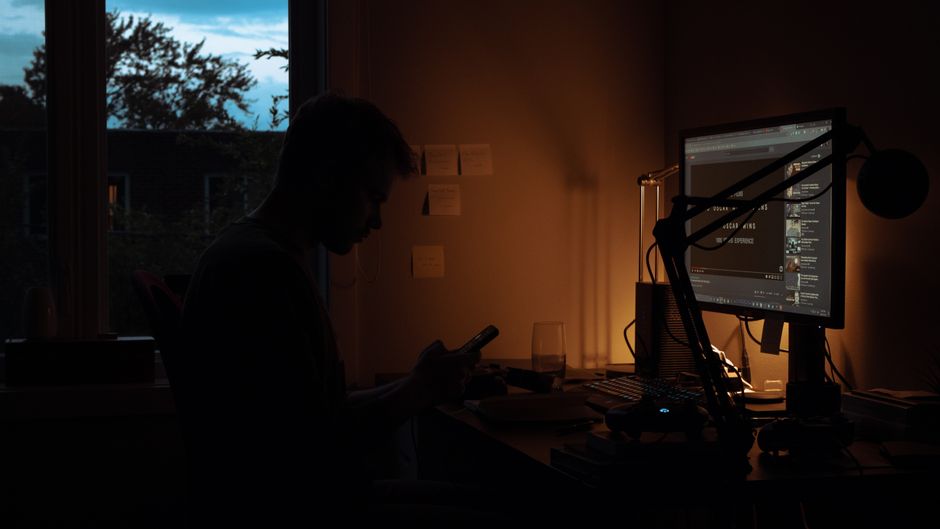
A ring light ($25–60) dramatically improves your video call appearance if your room lighting is poor. Position it at eye level, 2–3 feet in front of you. The circular catch-light in your eyes looks professional. If you have good natural window light coming from in front of you, you don't need a ring light. What you should avoid: overhead lighting only (causes shadows under your eyes and nose), backlighting (turns you into a silhouette), and no lighting at all in a dark room.
What is bias lighting and does it reduce eye strain?
Bias lighting is a soft light placed behind your monitor that raises the ambient brightness of your visual field, reducing the contrast between your bright screen and the dark room behind it. Studies show it reduces eye fatigue by up to 60% during long screen sessions. A simple LED bias light strip ($15–30) on the back of your monitor is one of the highest-ROI upgrades for eye health. Set it to the same color temperature as your monitor (usually 6500K for most monitors).
How do I stop the glare on my monitor?
Glare solutions in order of effectiveness: (1) Move your desk so no window is directly in front of or behind you — position windows to your side. (2) Add window blinds or sheer curtains to diffuse direct sunlight. (3) Use a matte screen protector on your monitor ($15–30). (4) Tilt your monitor backward slightly to redirect ceiling light reflections. (5) Use a monitor hood for severe glare situations. An anti-glare monitor finish (most modern IPS monitors have this) is important to check before buying.
Is smart lighting (Philips Hue, LIFX) worth it for a home office?
Smart lighting is a nice-to-have, not essential. The main benefits: scheduling lights to change color temperature throughout the day (warmer in morning/evening, cooler midday), voice control, and scene automation. For most home office workers, a good adjustable desk lamp ($40–80) with dimmer and color temperature control gives the same benefit at a fraction of the cost. Smart lights are worth it if you have complex home automation already set up and want your office integrated.